Product
How WavePhase turns signals into a live show
Four steps from audio and control inputs to a lit stage — DSP, patch, graph, then Live/Web Control, MIDI, schedules, timecode, Show Lock and API/MCP.
01
Listen / receive
Select an audio input — interface, loopback, or built-in. WavePhase's Rust DSP engine tracks BPM, key, beat phase, spectral bands, envelope, and transients. Non-audio sources (MIDI, OSC, timecode, API) arrive the same way: as graph values.
02
Patch
Add fixtures from the library, assign DMX addresses, and choose Art-Net or sACN output. Place fixtures on the 2D/3D stage canvas and pixel-map LED runs where needed.
03
Wire
In the logic graph, drag from analysis sources and math nodes to fixture parameters. Collapse working chunks into macros; add WGSL shader nodes for GPU visuals and Screen Out.
04
Perform / automate
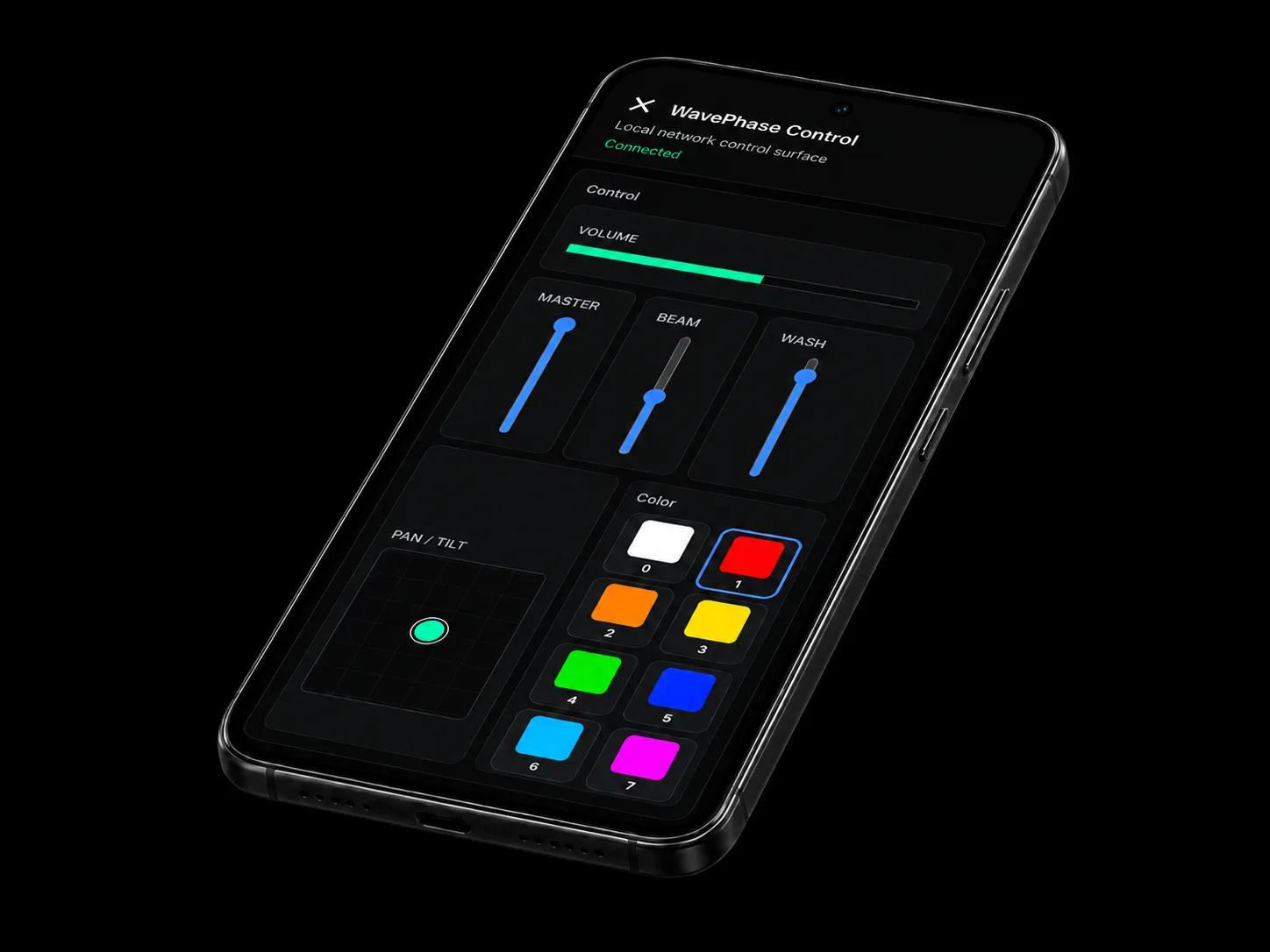
Lay out Live Control surfaces, bind MIDI, share Web Control to phones, run schedules or timecode, lock the show, and optionally drive pins from API/MCP on Pro+.
No hardware right now?
Stage 3D and a DMX viewer let you validate logic, addressing and looks without a physical rig. They preview the patch — they are not a substitute for testing real fixtures, network nodes and safety systems before an audience.
What sits underneath
Analysis engine
Rust DSP on a dedicated thread. Windows-first audio path (WASAPI).
Logic graph
100+ node types, variables, sequences, animators, and reusable macros.
Output
Art-Net & sACN DMX, OSC & MIDI, GPU shaders, LED pixel mapping, Screen Out.
Control
Live Control, local Web Control (free), Cloud relay (optional), Show Lock on Studio.
Turn the sound on.
Free account required — no credit card — Windows, macOS and Linux.